
Features · Connect and govern
Integrations
Connect your tools once, so SuperGloo and your agents can work in them.
- Mac
- Cloud
How it works
Three steps
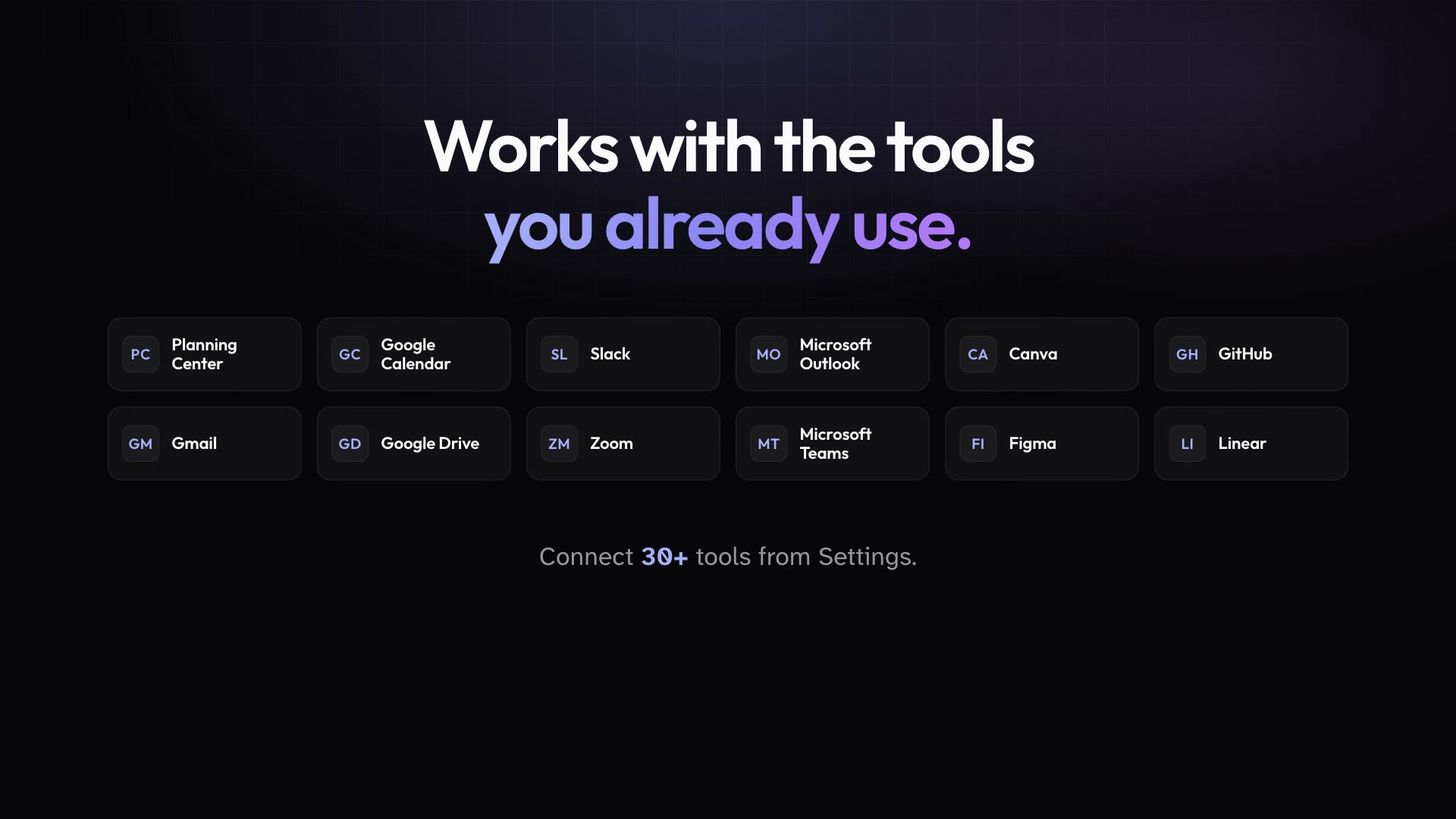
Connect 30+ tools, from Google Workspace and Microsoft 365 apps to Slack, Zoom, Canva, and Planning Center, so SuperGloo can work in them with your accounts. Public Agents connect through GitHub, Linear, Gloo Communications, and the custom MCP servers your admins add.
Connect the tools you use from Settings, one account at a time.
Ask SuperGloo to read, draft, or update in those tools as you.
Admins attach workspace MCP servers and the GitHub and Linear connections to the Public Agents that need them.
In practice
One feature, two kinds of week
For churches
SuperGloo pulls this Sunday's volunteer schedule from Planning Center while your Comms agent works with Gloo Communications.
Mission Control for churchesFor organizations
Your Eng agent works in GitHub and Linear, and a custom MCP server gives it access to your internal tools.
Mission Control for organizations
What ships today
The details
- Connect 30+ tools, including Google Workspace, Microsoft 365 apps, Slack, Zoom, Canva, and Planning Center, so SuperGloo can work in them with your accounts.
- With Planning Center connected, SuperGloo can work with your Planning Center data.
- Public Agents reach outside tools through their GitHub and Linear connections, Gloo Communications, and the custom MCP servers your admins attach.
- Connect Gloo Communications to the workspace, choose the organization and what agents may do, and attach it to the agents that need it.
- Admins add custom MCP servers for the whole workspace and choose which people and agents can use each one.
- Workspace API keys let your own scripts and AI tools work with the workspace through a REST API and a hosted MCP server.
See it in your own workspace.
Download Mission Control for your Mac and invite the people you work with.
For Macs with Apple Silicon.