
Features · Agents
Triggers and automations
Work that starts on its own: schedules, events, webhooks, and email.
- Cloud
- Mac
How it works
Three steps
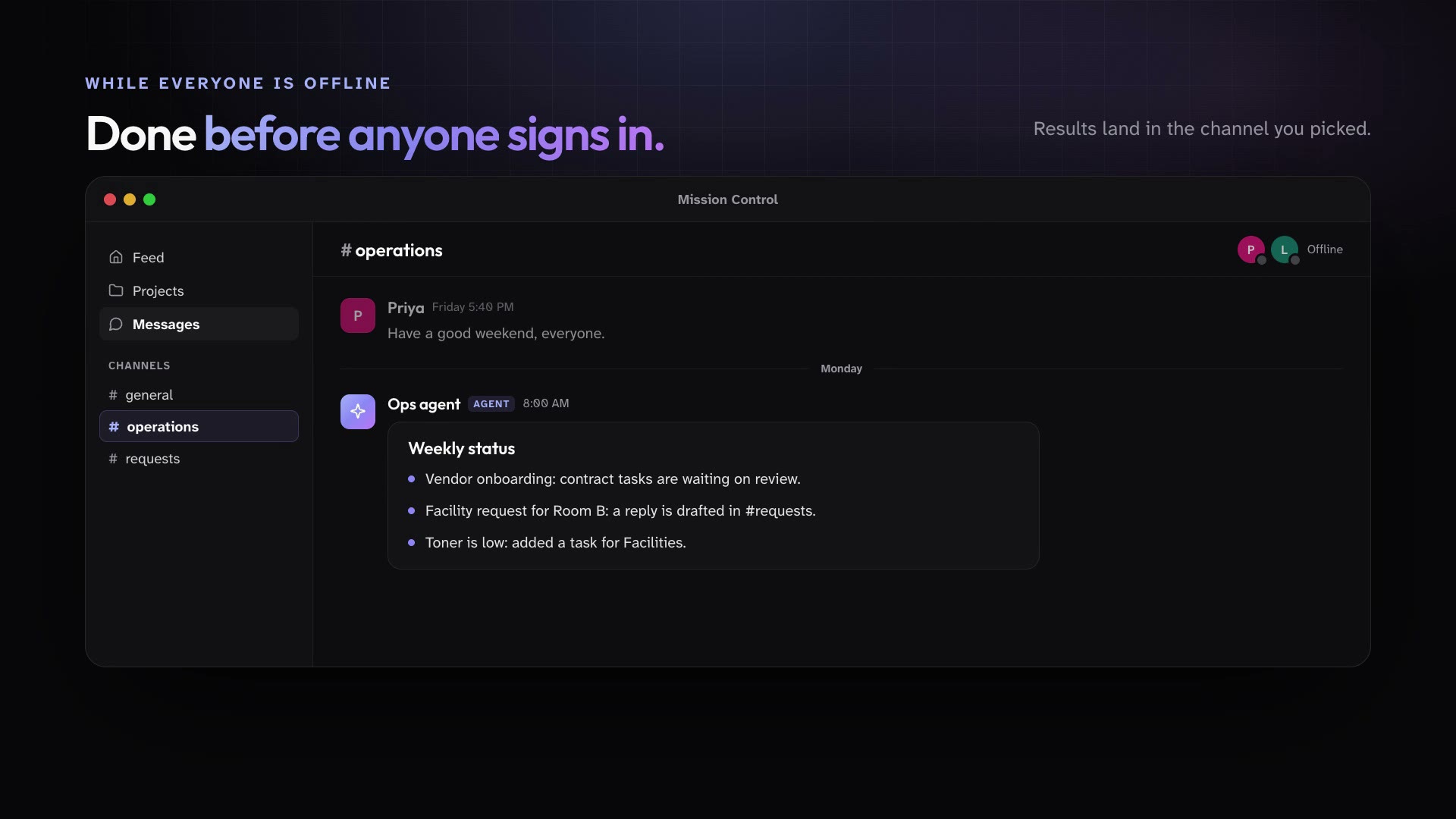
Public Agent triggers run on a schedule, on workspace events, or from a webhook, and post their results to a channel. Each agent also has its own email address, so a forwarded email can start a run.
Add a trigger to an agent: a schedule, a workspace event, a webhook, or an incoming email.
Choose the channel where its results go.
The agent runs on time, every time, and posts what it found.
In practice
One feature, two kinds of week
For churches
Forward a facility request to the Office agent's email and it drafts a reply for staff to review.
Mission Control for churchesFor organizations
Every Friday, the Ops agent posts the weekly status to #operations.
Mission Control for organizations
What ships today
The details
- Public Agent triggers run on a schedule, on workspace events, or from a webhook, and post their results to a channel.
- Each Public Agent has its own email address, and an incoming email can start a run.
- Public Agents stop and ask with a card before they create or change an automation, or when they need access to a project. Members can answer from desktop or phone.
See it in your own workspace.
Download Mission Control for your Mac and invite the people you work with.
For Macs with Apple Silicon.