
Features · Work together
Projects and Boards
Channels, tasks, files, and a calendar for every effort.
- Mac
- iPhone
How it works
Three steps
A Project gathers the people, channels, task boards, Library folder, and calendar for one effort. Every published task gets an Issue Channel, so the discussion and the agent's work stay attached to the task.
Create a Project and invite the people working on it.
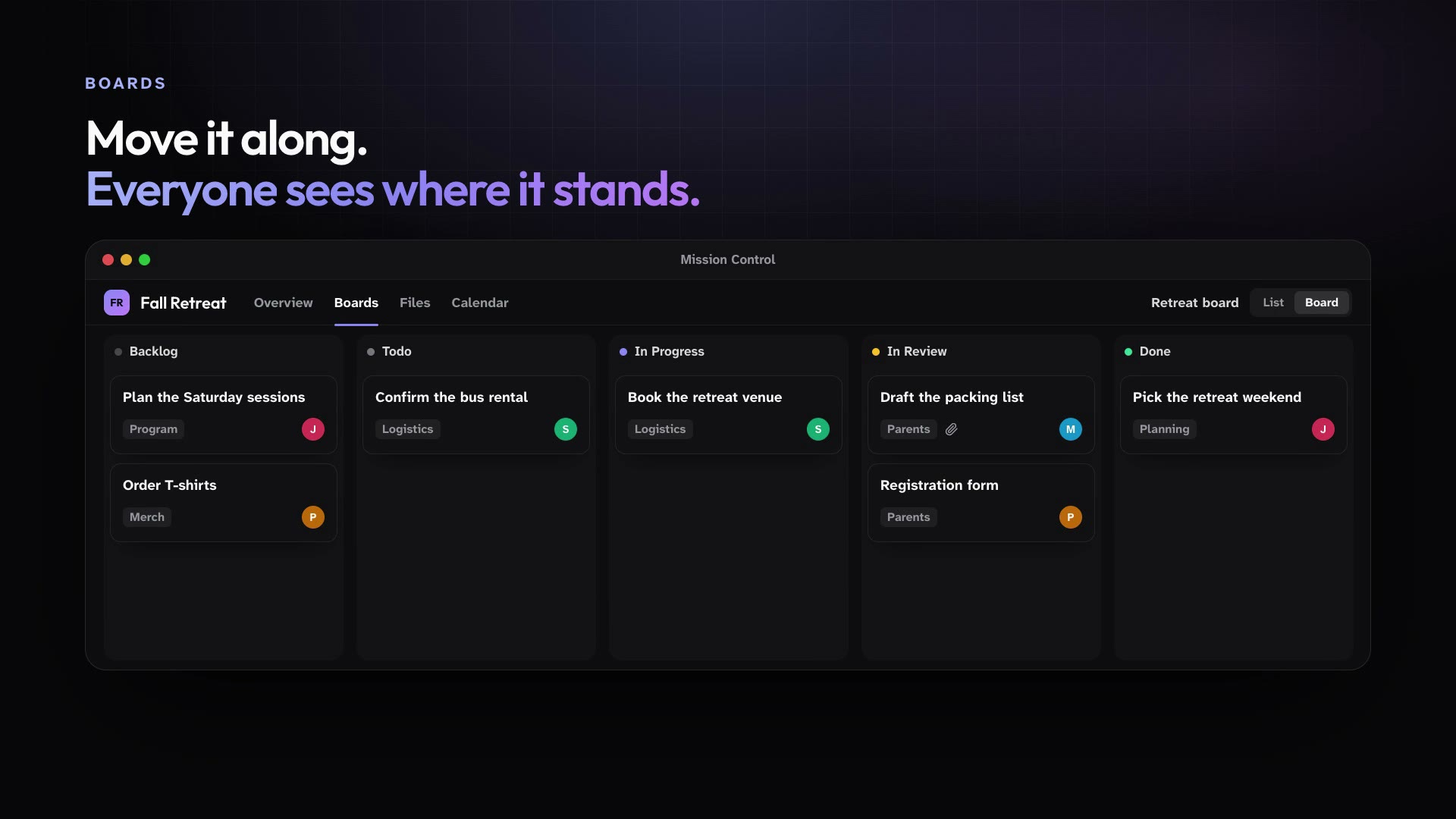
Track tasks on a board, with parent tasks, sub-tasks, and the fields you need.
Mention an agent on a task and it reports back in that task's Issue Channel.
In practice
One feature, two kinds of week
For churches
The fall retreat gets one Project with a planning channel, a task board, the registration folder, and the event calendar.
Mission Control for churchesFor organizations
A product launch Project holds the campaign board, the brand assets, and the launch calendar in one place.
Mission Control for organizations
What ships today
The details
- Projects are invite-only and bring channels, task boards, a Library folder, and a calendar together for the people working on them.
- Boards track tasks in list or board views, with parent tasks and sub-tasks, custom fields, and close automations.
- Every published task gets its own Issue Channel that collects comments, changes, and agent run updates.
- Mention an agent on a task, or trigger it when a task is created or changes status, and it reports back in that task's Issue Channel.
See it in your own workspace.
Download Mission Control for your Mac and invite the people you work with.
For Macs with Apple Silicon.